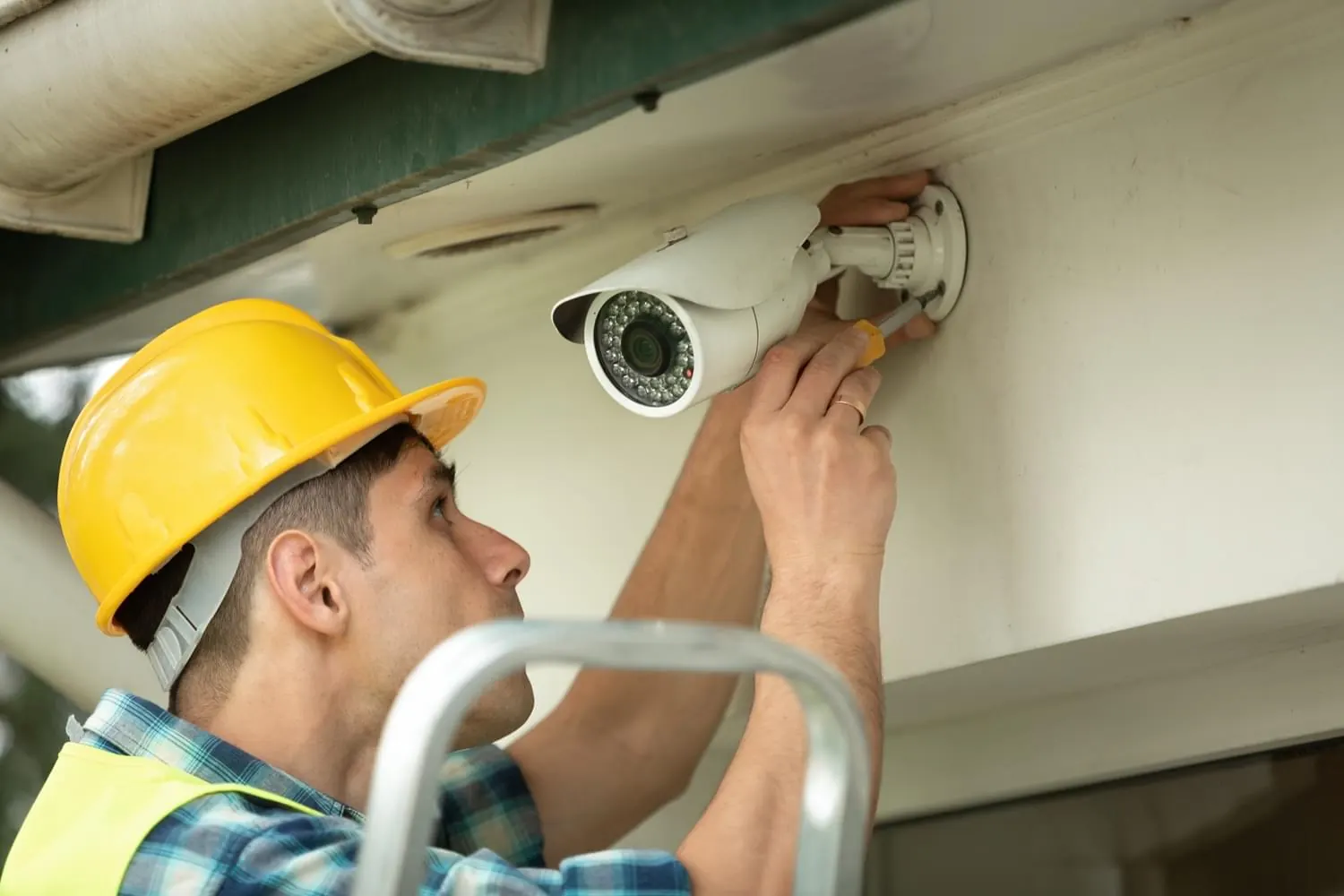
Remote access
Remote Camera Viewing Setup in Springfield, MO
Secure access to every camera and every location from phone or desktop, with permissions set for each user.
- Phone and desktop
- Per-user permissions
- Existing systems supported
Secure Remote Access, Set Up by an IT Company
Remote viewing is where many camera systems get careless. Default passwords, outdated firmware and ports opened straight to the internet turn cameras into a security risk. We set up remote access the way we would for any business system: unique credentials, current firmware and encrypted connections.
Owners get full access, managers see their locations, and staff see only what their role needs. Alerts are set for meaningful events, like a person in the warehouse after hours or a vehicle at the gate. We also bring existing systems back online when the app stops connecting.
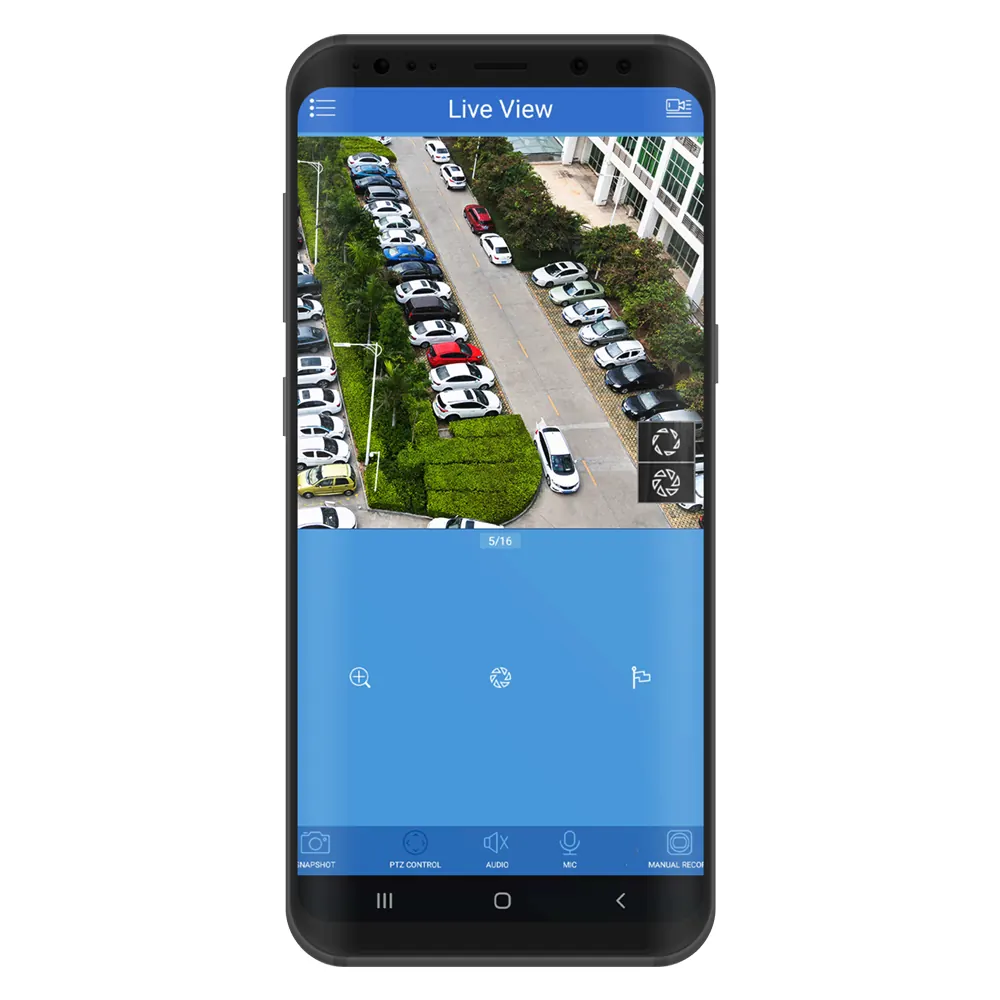
Remote Access Setup
Hardened access
Unique passwords, current firmware and encrypted connections, with no unnecessary open ports.
Phone and desktop clients
Installed and tested on the devices your team uses.
Role-based permissions
Users see only the cameras and functions their role requires.
Event alerts
Person and vehicle detection with schedules, such as after-hours only.
Why Choose Us for Remote Viewing and App Setup
No monthly fee
Access runs through your own recorder.
Security-minded
Configured to IT standards, not left on defaults.
Team training
Managers learn to search, export and share footage.
Get a Free Remote Viewing and App Setup Estimate
Call or send a request to set up secure remote access.
Free estimate, no obligation. Mon to Fri, 9 AM to 5 PM
Our Process
Site survey
We call within 24 hours to schedule, then survey the building and grounds with you: entrances, sightlines, lighting, cable paths and where the recorder will live.
Written proposal
An itemized proposal covering cameras, recording, cabling, network changes and labor, with no surprise add-ons.
Installation
Scheduled around your operating hours. Cable is pulled and tested, cameras are mounted, aimed and focused, and every view is checked in daylight and at night.
Handoff and support
Owners and managers are set up in the app and shown how to search and export footage. Hardware and labor are covered free for the first year.
Remote Viewing and App Setup FAQs
Can managers see only their own location?
Yes. We create user accounts with access limited to specific sites or cameras.
Can we get alerts only after hours?
Yes. Alerts can follow a schedule, so you are notified about activity when the building should be empty.
Our cameras stopped connecting to the app. Can you fix that?
Usually. Common causes are expired firmware, router changes or app updates. We diagnose and restore access securely.